
I Had a Mac Mini Collecting Dust. It Now Runs My Entire Content Operation.
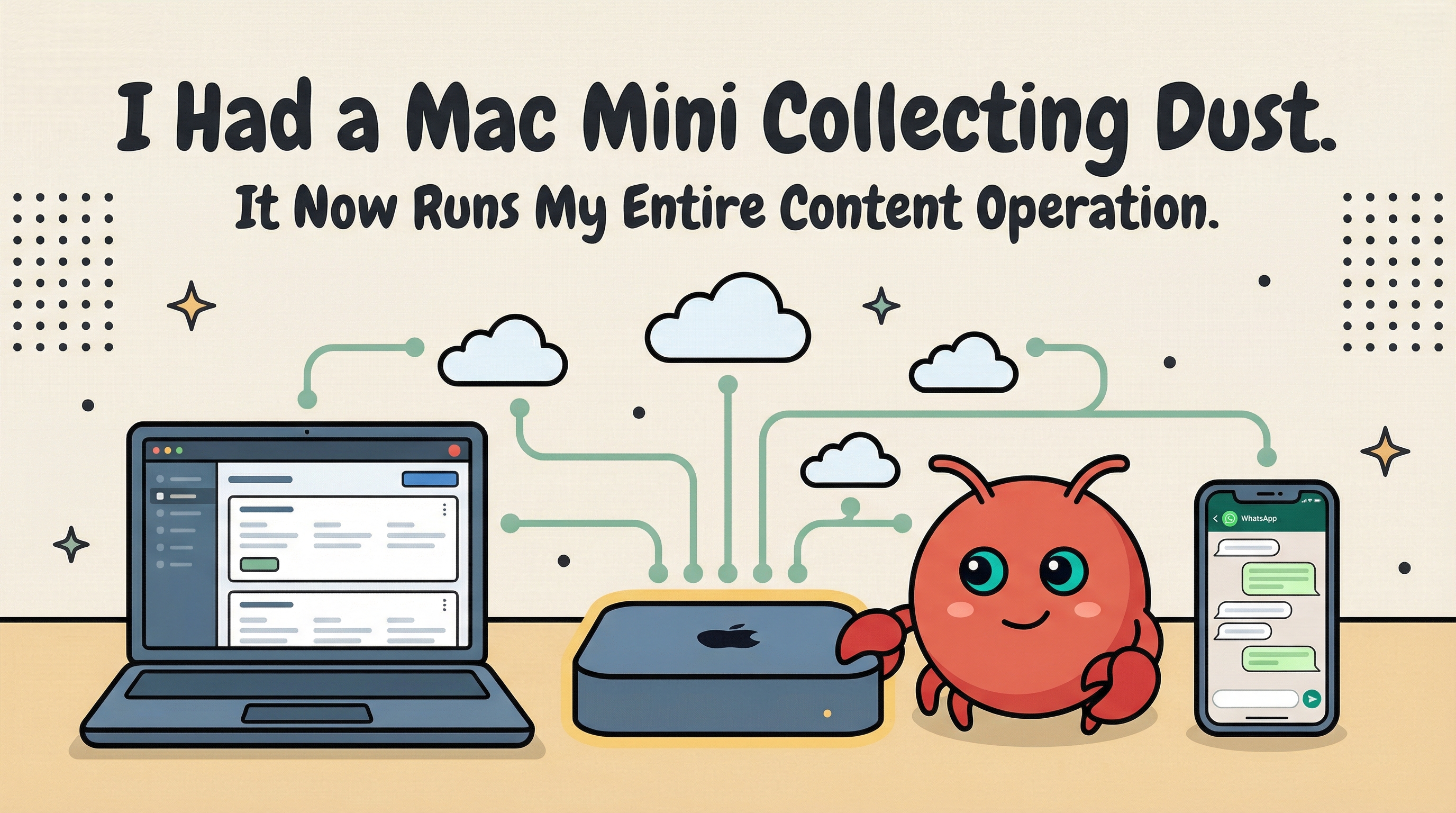
I had a Mac mini sitting on a shelf doing nothing. Last Saturday, I installed OpenClaw on it, connected it to WhatsApp, and gave the agent a name — GG. Within 48 hours, GG had done more for my content business than I'd accomplished in the previous month. This is what an AI-native workflow actually looks like — no hype, just a dusty machine and a builder willing to try something different.
The Setup (Saturday Morning)
The Mac mini had been sitting there for months. I'd bought it for a project that never panned out. When OpenClaw started going viral in January — literally causing a Mac mini shortage — I realized I already had the hardware everyone was scrambling to buy.
The setup took about two hours. Here's what I actually did:
- Configured the Mac mini to never sleep. System Settings > Energy > Prevent automatic sleeping. Sounds obvious, but if you skip this, your agent goes dark at 2am.
- Installed the OpenClaw gateway as a service. Ran openclaw onboard in the terminal. The wizard walks you through everything — workspace, channels, skills. It's surprisingly smooth for an open-source tool.
- Connected WhatsApp as the primary channel. This was the key decision. I wanted to talk to my agent the same way I talk to people — through the messaging app I already use every day. No special interface, no browser tab to keep open.
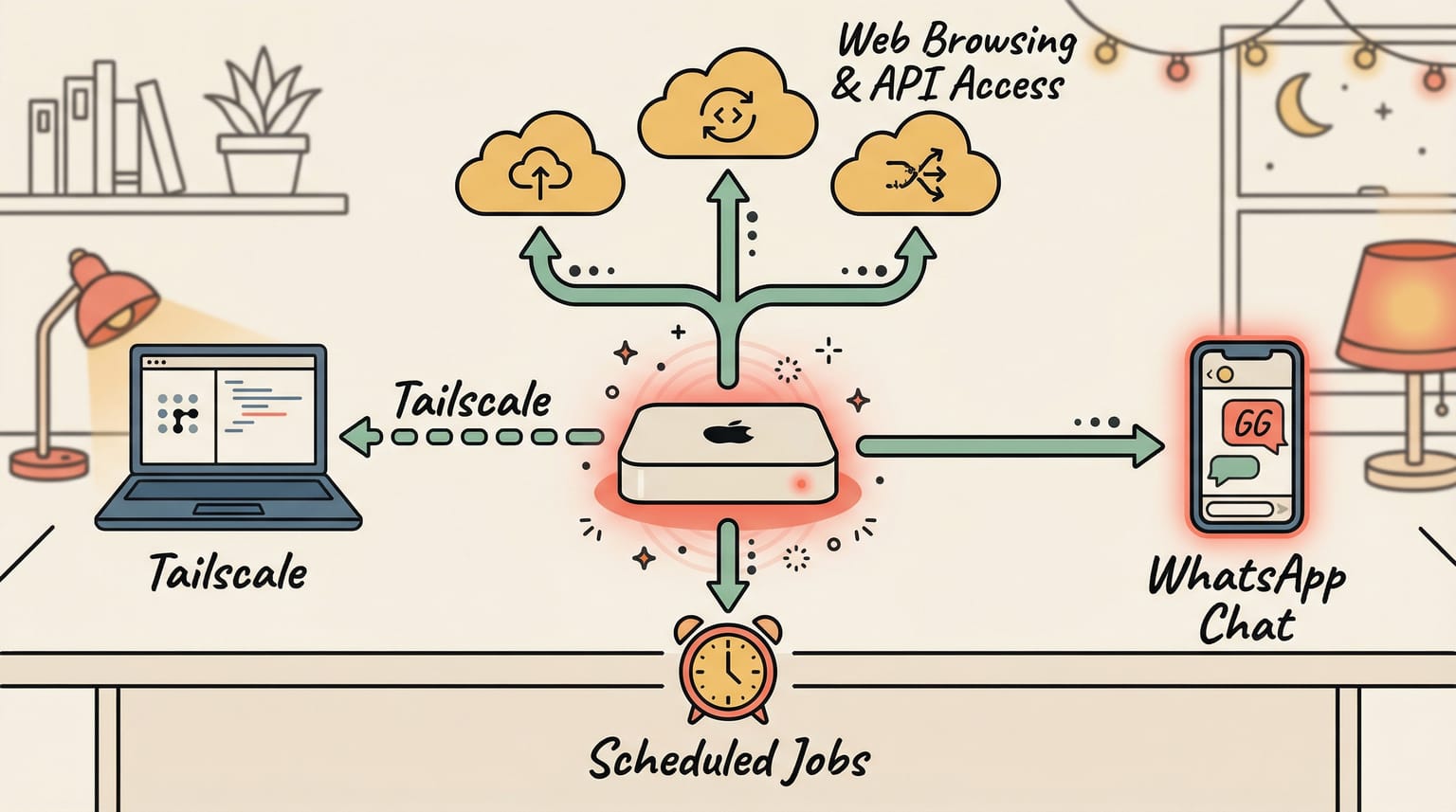
- Set up Tailscale for remote access. This creates a private network between my MacBook Pro (my daily driver) and the Mac mini. Now I can SSH in or screen share from anywhere — my couch, a coffee shop, wherever.
- Named the agent GG. This might sound silly, but it matters. When you give the agent an identity, you start treating it like a collaborator instead of a search bar. The dynamic shifts.
Within two hours, I had a 24/7 AI agent living on my network, accessible through WhatsApp, with the ability to browse the web, read and write files, run shell commands, and remember everything across sessions.
Day 1: First Boot to First Value
The first thing I did was set up scheduled jobs — a morning briefing, daily content research, and a nightly report. I wanted GG to proactively work for me, not just respond when I asked.
The morning briefing failed.
The gog CLI (the tool GG uses to check my email and calendar) wasn't authenticated yet. So the scheduled job ran, hit an auth error, and produced nothing. I woke up to an empty briefing.
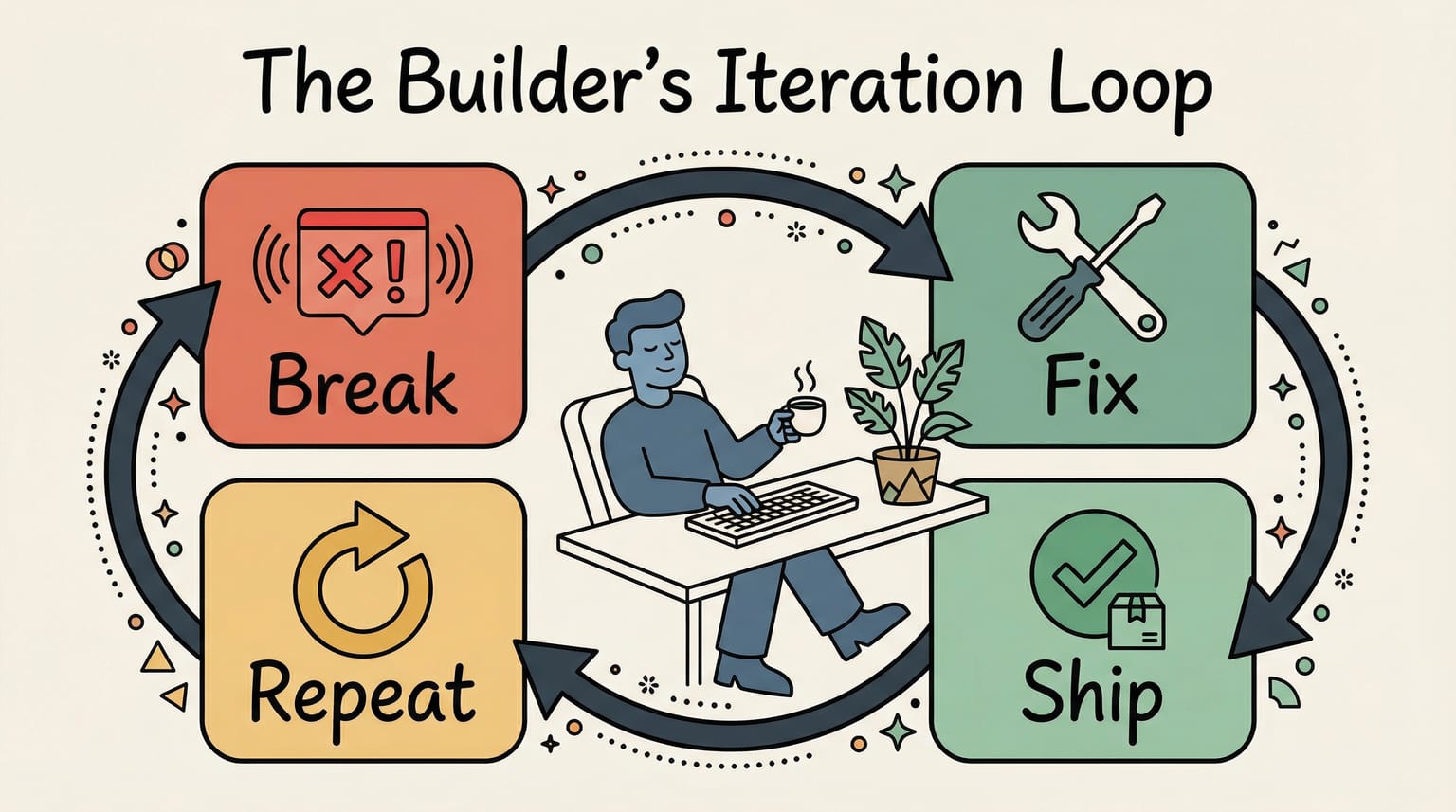
I'm sharing this because it's important. AI workflows break. They break just like any other software. The morning briefing failed because I hadn't completed a setup step. The fix took five minutes — authenticate the CLI, test it manually, confirm it works, re-schedule the job. Done.
The difference between "AI as hype" and "AI as workflow" is right here: you don't panic when it breaks. You fix it and keep going.
After fixing the briefing, I gave GG its first real task: explore my content studio workflow. I have a system of chained AI skills — brainstorm, illustrate, generate video, publish — built with tools that talk to each other. I wanted GG to understand the whole pipeline.
That's when the first "aha moment" hit. GG didn't just read the files. It browsed my blog, analyzed the skill definitions, connected the dots between tools, and came back with a coherent summary of how my pipeline works — including suggestions for improvements I hadn't considered.
This wasn't a chatbot spitting back my own words. GG had context. It could see my files, read my code, and understand the relationships between systems. And it remembered all of it for later.
Day 2: The Compounding Effect
Day 2 is when everything changed.
I woke up to a working morning briefing (the fix from Day 1 held), and then GG and I went on a tear. Here's what we accomplished in a single day:
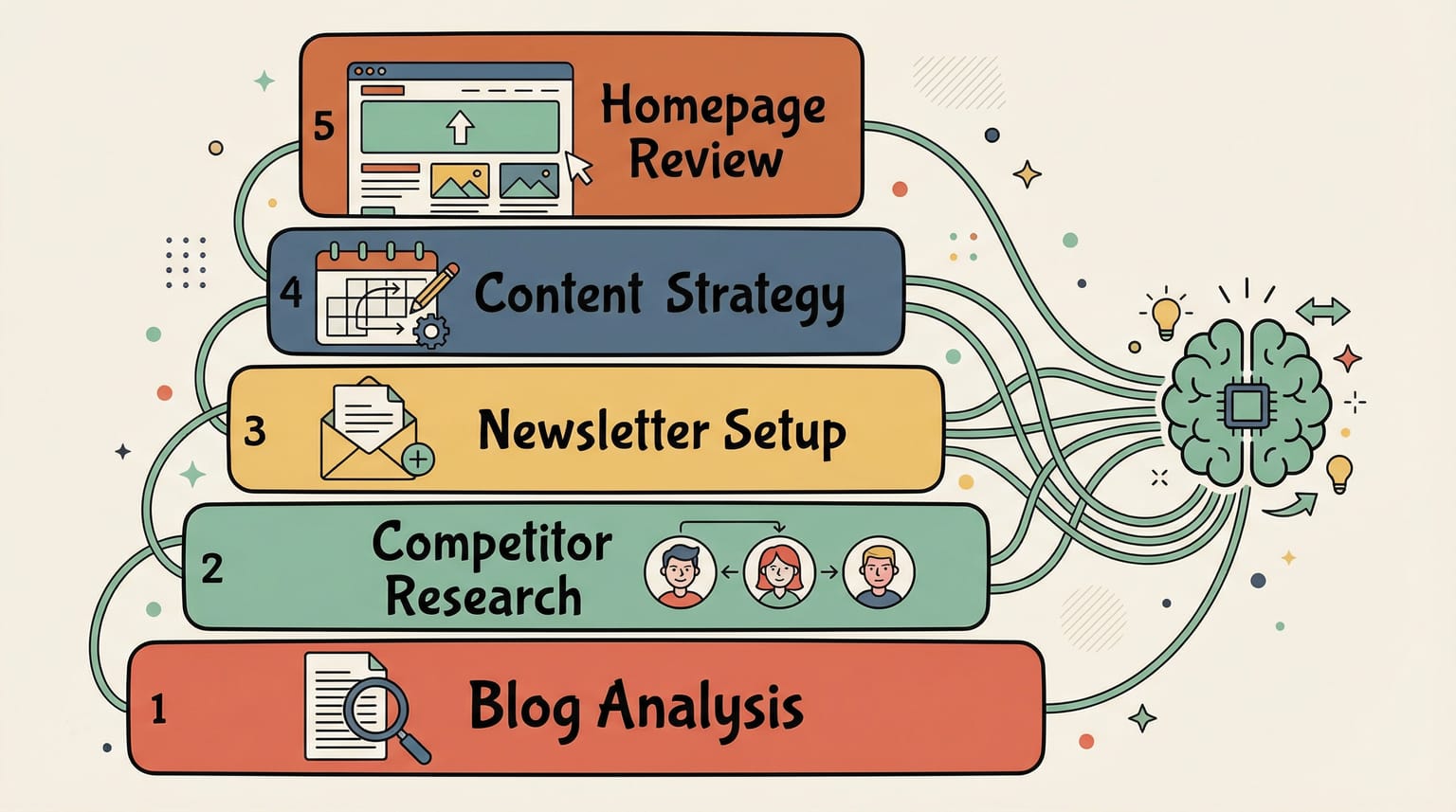
Deep blog analysis. GG crawled aaronguo.com and came back with specific improvement recommendations — not generic "add more keywords" advice, but structural feedback about navigation, content gaps, and positioning clarity. It had read every post.
Learning from the best. I asked GG to analyze five creators I admire: Justin Welsh, Pieter Levels, Lenny Rachitsky, Sahil Bloom, and Dickie Bush. GG didn't just summarize their bios. It analyzed their content strategies — posting frequency, topic patterns, monetization models, audience engagement tactics — and told me what I could learn from each. From Justin Welsh, it was the simplicity of single-idea threads. From Pieter Levels, radical transparency with revenue dashboards. From Sahil Bloom, the newsletter-first brand strategy.
Newsletter setup. GG researched newsletter platforms, recommended Beehiiv, and walked me through setting up "Ship with AI" — the newsletter you might be reading right now. It then researched how to integrate Beehiiv with my Nuxt 3 blog so subscribers get the full experience.
X/Twitter strategy. This was the big one. GG did deep research on the X algorithm — how replies are weighted 27x more than likes, why external links get penalized ~50%, which content formats get the most reach. Then it synthesized everything into a full content strategy: weekly posting cadence, content pillars, hook formulas, reply engagement tactics, and a publishing timeline for every blog post.
Homepage design review. GG pulled up my site, analyzed the layout, and gave specific design recommendations with reasoning for each change.
All of this happened in one day.
But here's the thing that matters: none of these tasks existed in isolation. The blog analysis informed the content strategy. The creator research shaped the positioning. The newsletter setup was driven by the strategy. Each task built on the context from the previous one.
By the end of Day 2, GG knew my positioning ("Ship with AI, not about AI"), my content pillars (AI-Native Execution, Product Leadership, Building in Public), my target audience, my tone of voice, and the specific projects I'm working on. It wasn't starting from zero anymore.
What OpenClaw does exceptionally well is manage this context. GG maintains structured memory files — daily notes and long-term memory — and ties them to everything it does: scheduled jobs, file access, shell commands, web browsing. The context isn't just "remembered" — it's actively used across tasks. When GG studied top creators in the morning and then built my content strategy in the afternoon, it didn't need me to connect the dots. The memory system did that automatically.
That's the compounding effect. And it's the real reason this setup is powerful.
What I Actually Learned
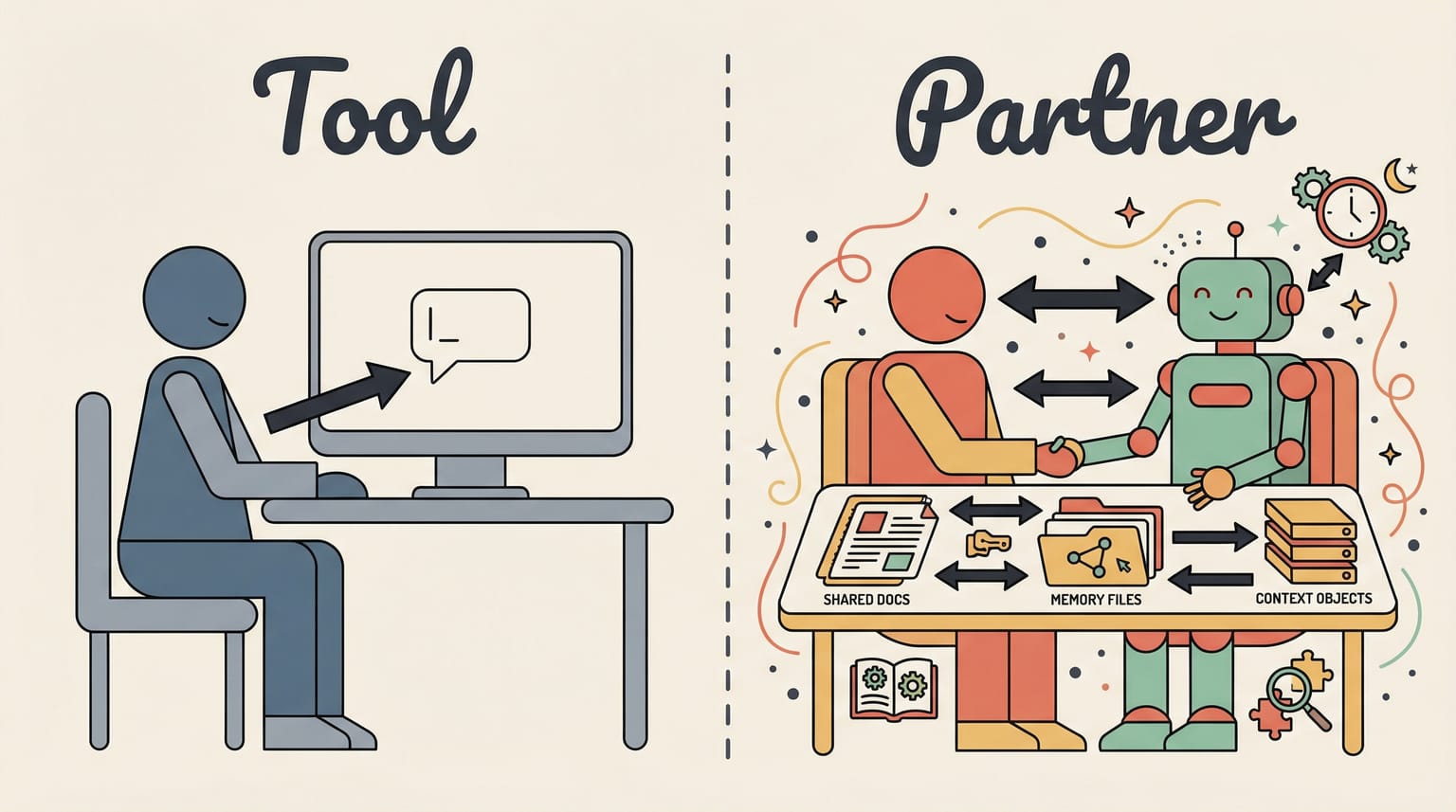
The shift isn't about OpenClaw specifically, or the Mac mini, or any single tool. It's about moving from "AI as search engine" to "AI as persistent partner."
When you use AI in a browser tab, you're doing one-off queries. You get a response, maybe it's useful, and you move on. There's no memory, no context, no compounding.
When you set up a persistent agent — one that lives on your network, has access to your files, remembers your conversations, runs scheduled jobs while you sleep, and builds context over time — something fundamentally different happens. The agent stops being a tool and starts being a teammate.
After 48 hours, GG had enough context about my work that it stopped asking obvious questions. It knew my goals without being reminded. It referenced decisions from earlier conversations. It started connecting dots I hadn't connected myself.
And right now, as I write this blog post? GG helped plan it. The content plan, the distribution strategy, the X thread outline — all of it was a collaboration. This isn't "AI-generated content." It's AI-augmented building. I make the decisions. GG does the heavy lifting.
If you have a Mac mini — or any always-on machine — the barrier to trying this is one afternoon. Two hours of setup, and you have a partner that never sleeps, never loses context, and gets better every day.
The hardest part isn't the setup. It's changing your mental model from "AI is a tool I use" to "AI is a partner I work with."
I'm documenting this entire journey — the wins, the failures, the real numbers — in my newsletter, Ship with AI. If you want to follow along as I build in public with an AI partner, subscribe below.